
Run the click with the song
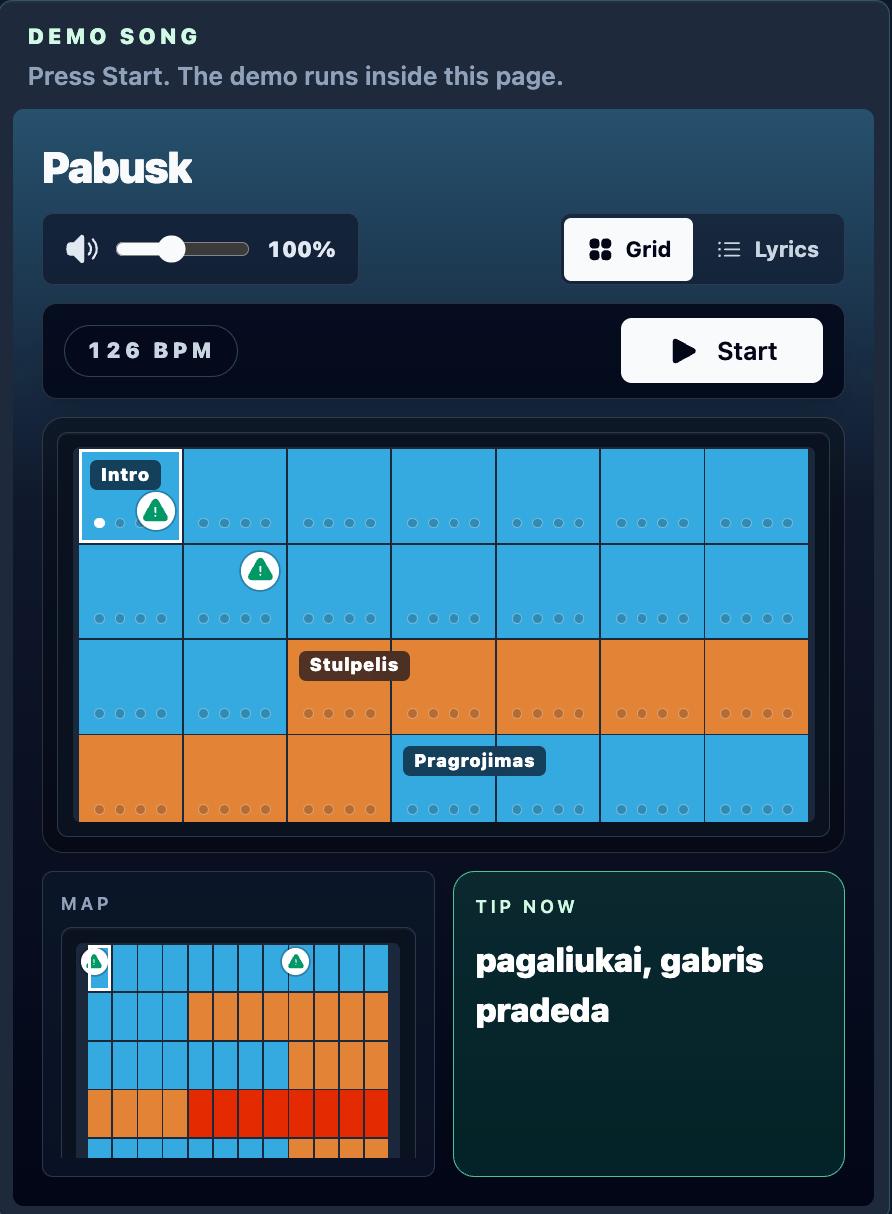
Use the metronome while the song map shows the current part, tempo, bar position and what comes next.
I built SongMap because I kept forgetting parts and drifting into random fills. It is a metronome with a song map, so you can play and still see where you are, what section is next and which cue matters now.
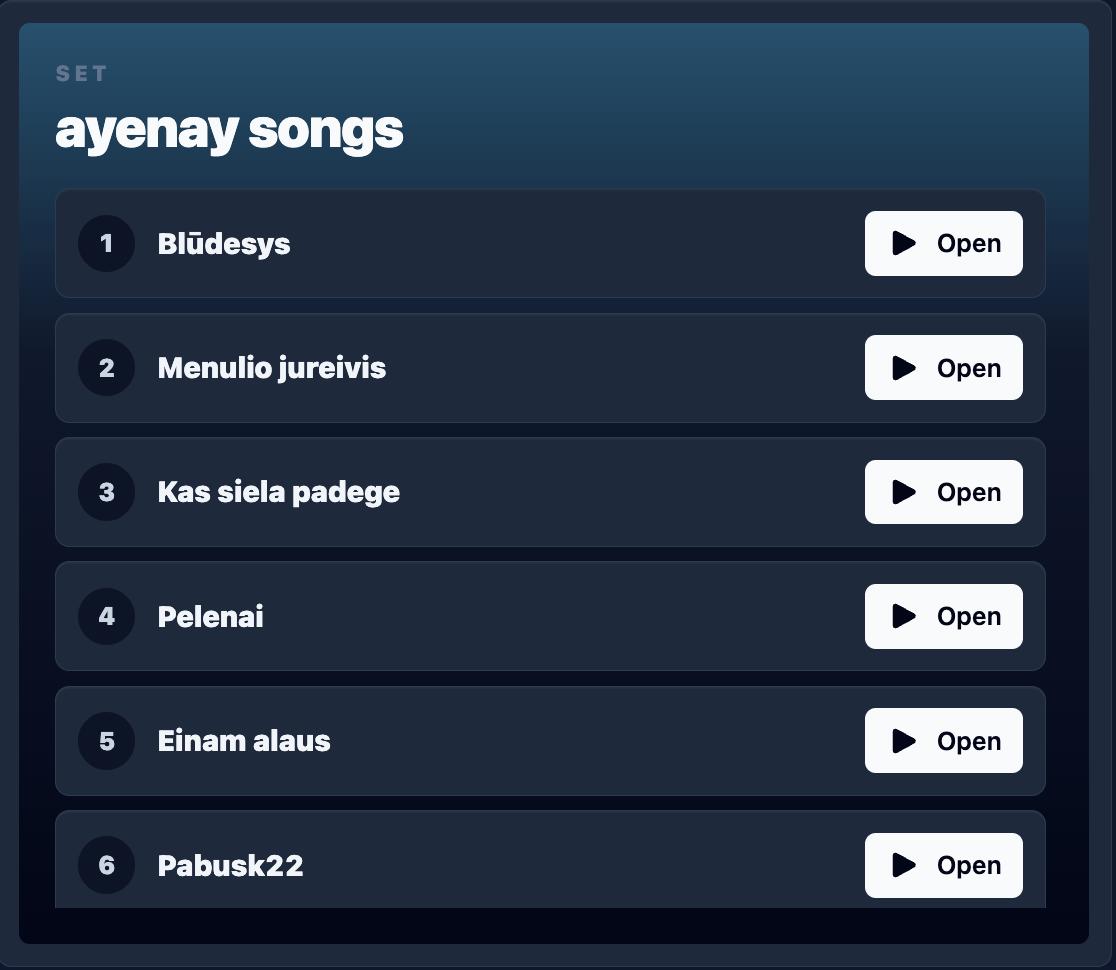
Share Setlist
Create different setlists for rehearsals, gigs, or lineups, then share one link with the band. Everyone sees the same running order and songs open without losing the set.
How it works
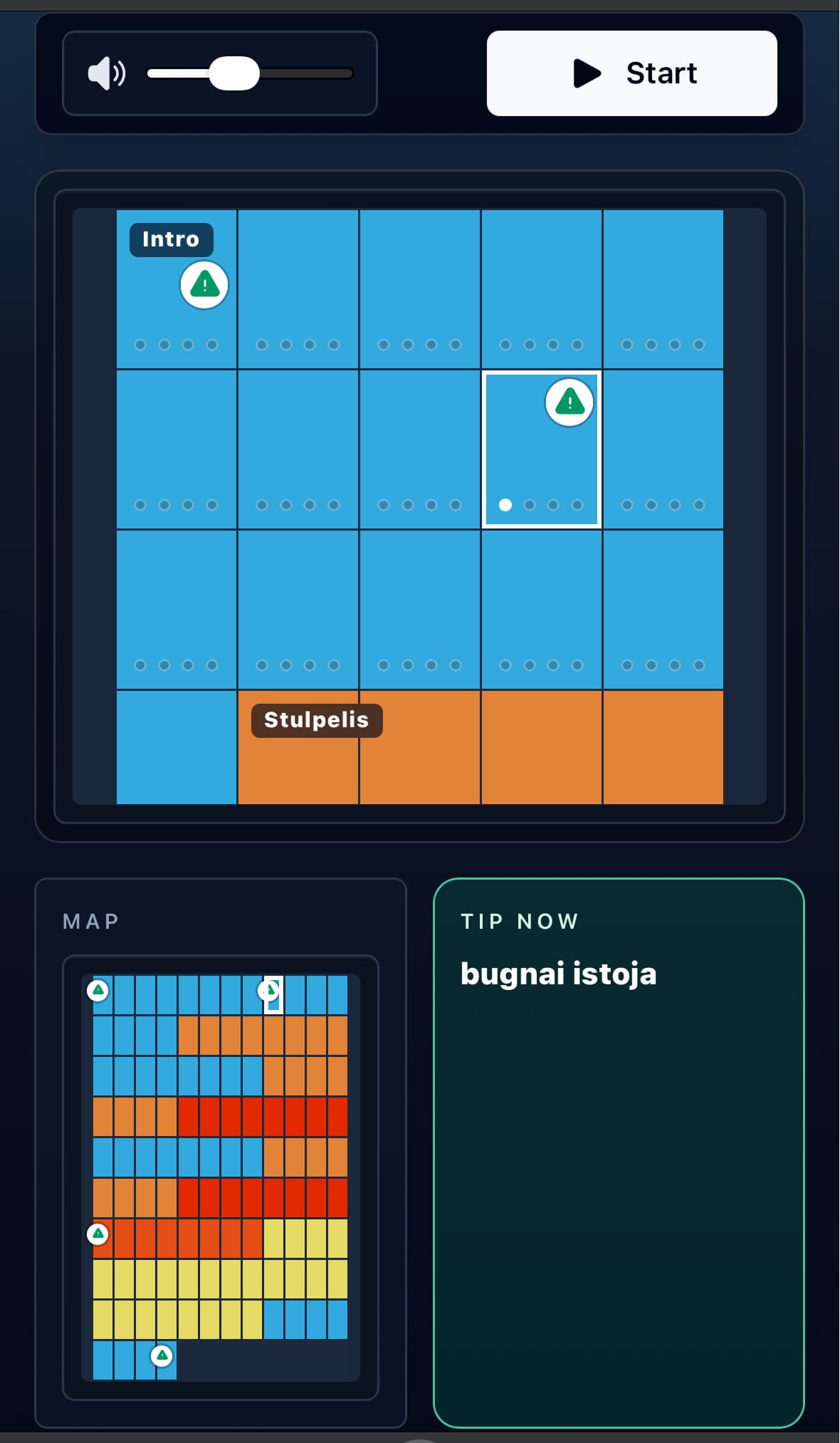
Follow the song map
See the current bar, next cue, mini map and metronome in one rehearsal view.
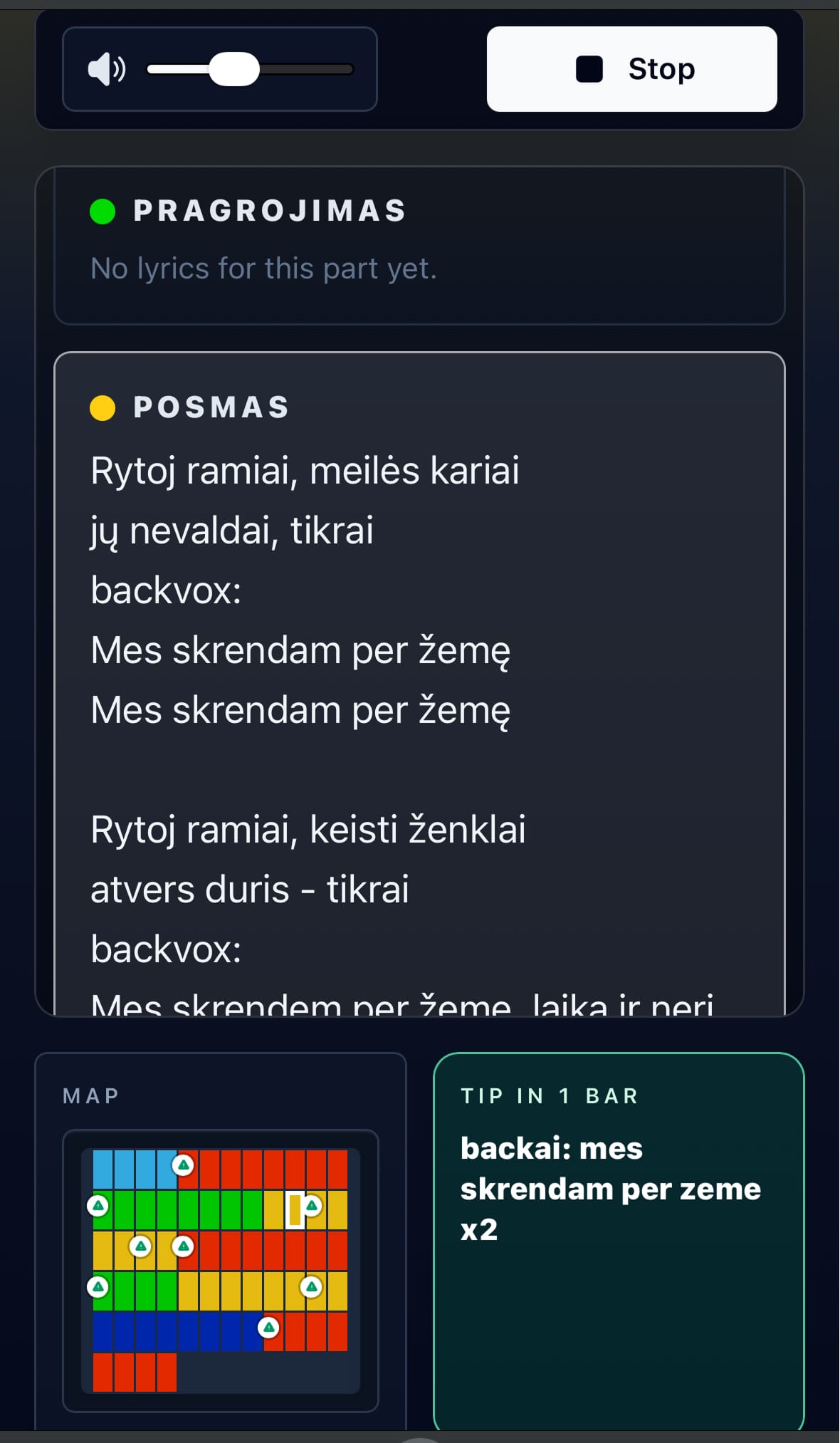
Lyrics and chords view
Add lyrics and chords to sections, then use the app like a simple karaoke sheet while the click runs.
Build the song parts
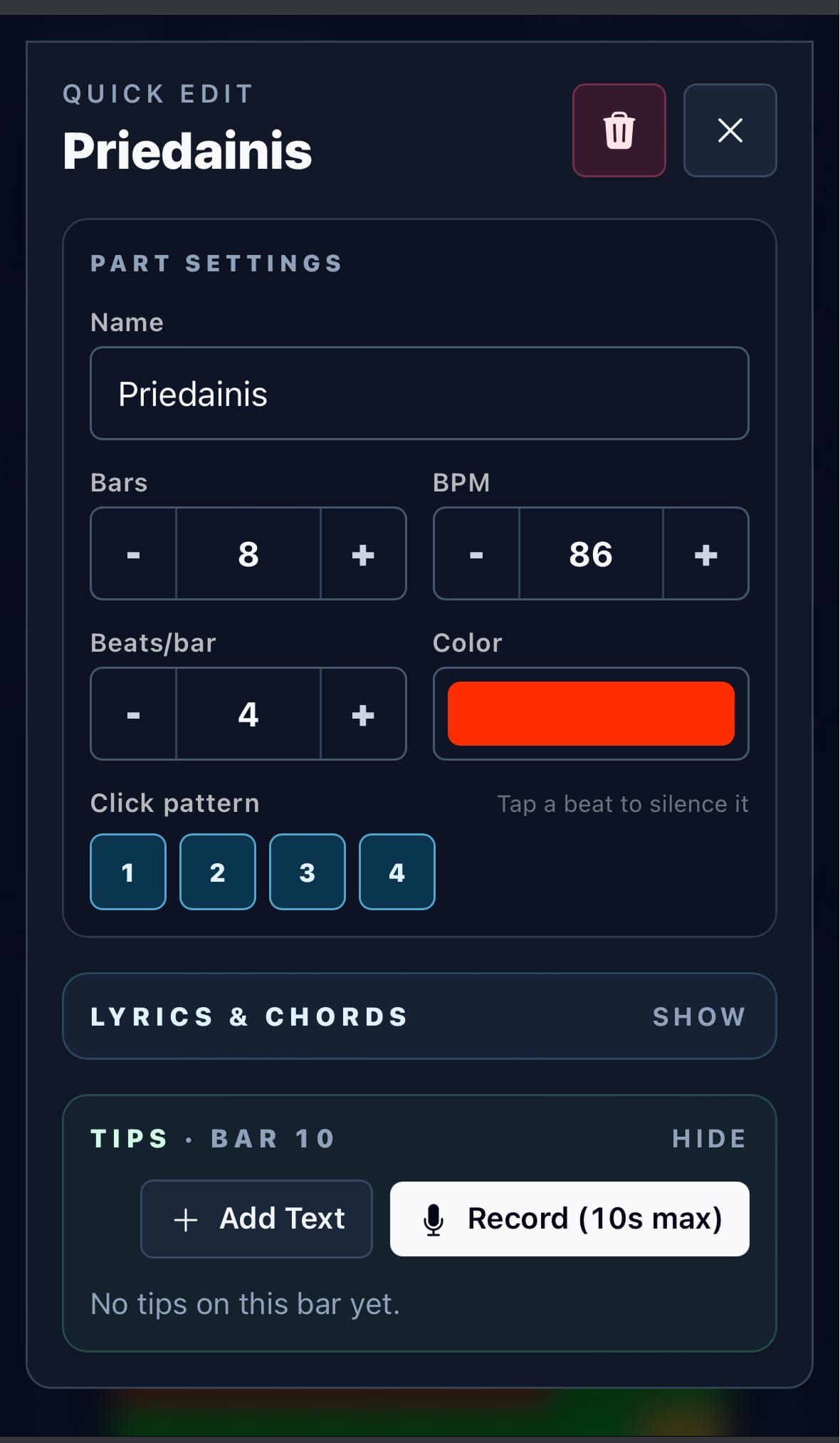
Create sections, set tempo changes, choose click patterns and keep every cue connected to the song.
The practical problem
In rehearsal, the wasted time is usually not the tempo. It is stopping to ask: “Is this the second chorus?”, “Where is the stop?”, “Do we repeat this part?” SongMap keeps those answers visible while the click runs.
Use the metronome while the song map shows the current part, tempo, bar position and what comes next.
Add intro, verse, chorus, bridge, stops, repeats, BPM changes and meters so rehearsal follows the same structure every time.
Add lyrics, chords, text tips, or quick audio cues to exact bars. No more guessing what the note in your head was supposed to mean.
Send a song or setlist link to the band. They can open it without making an account and registered users can copy it to their own library.
Live shared metronome
Share a song link with the band, start the live metronome from one device, and everyone can join the same run from their phone, tablet, or laptop without registration.
Use it at rehearsal